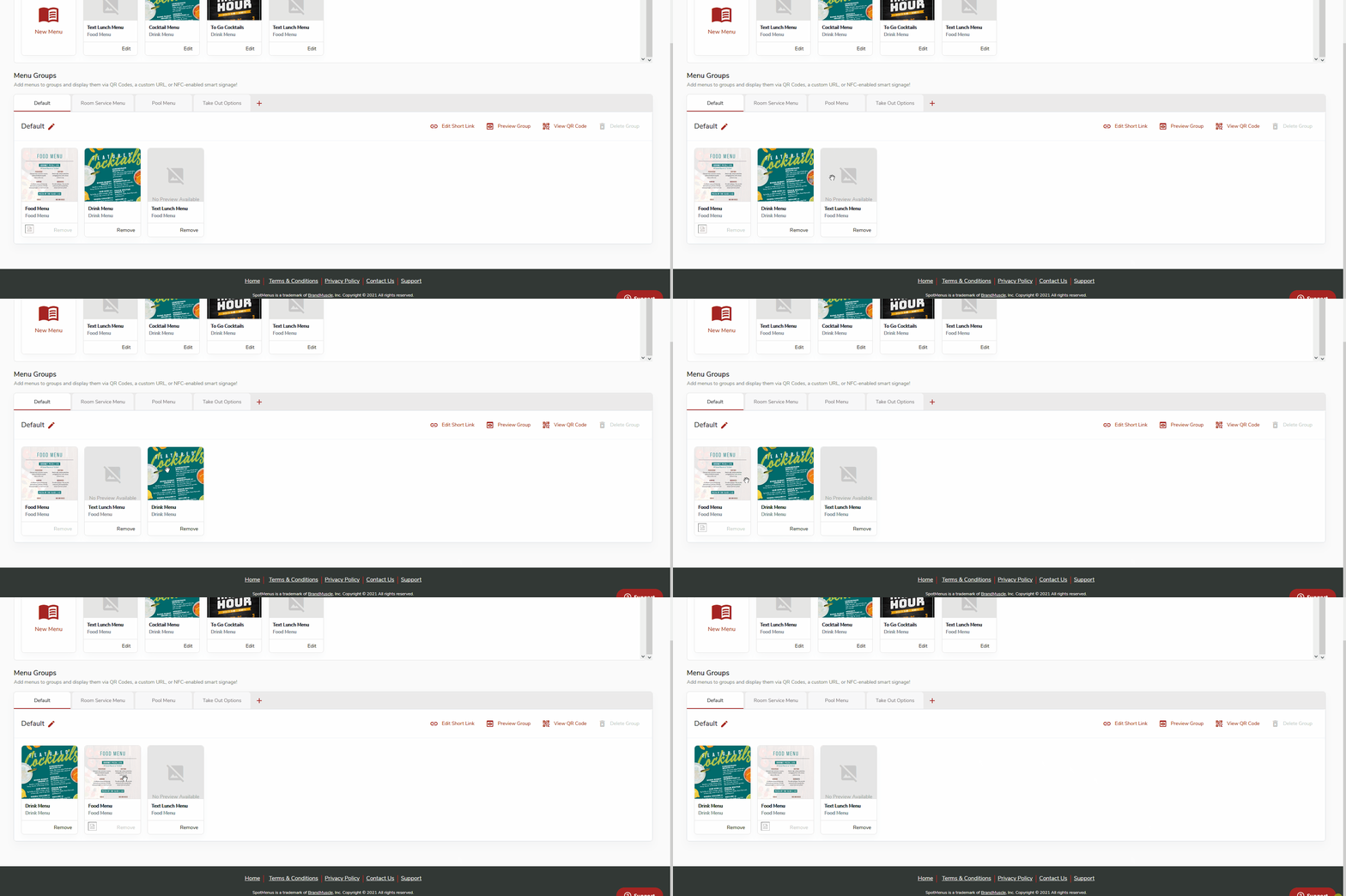
SpotMenus allows you to easily specify the order menus display when someone scans your QR code.
- Login to SpotMenus using your email and password
- Click on the location you wish to manage

- Click "Menu Manager"

- Locate the menu group you wish to customize the menu display order for

- Use your mouse to drag and drop menus within the menu manager in the sequence you would like them to be displayed.
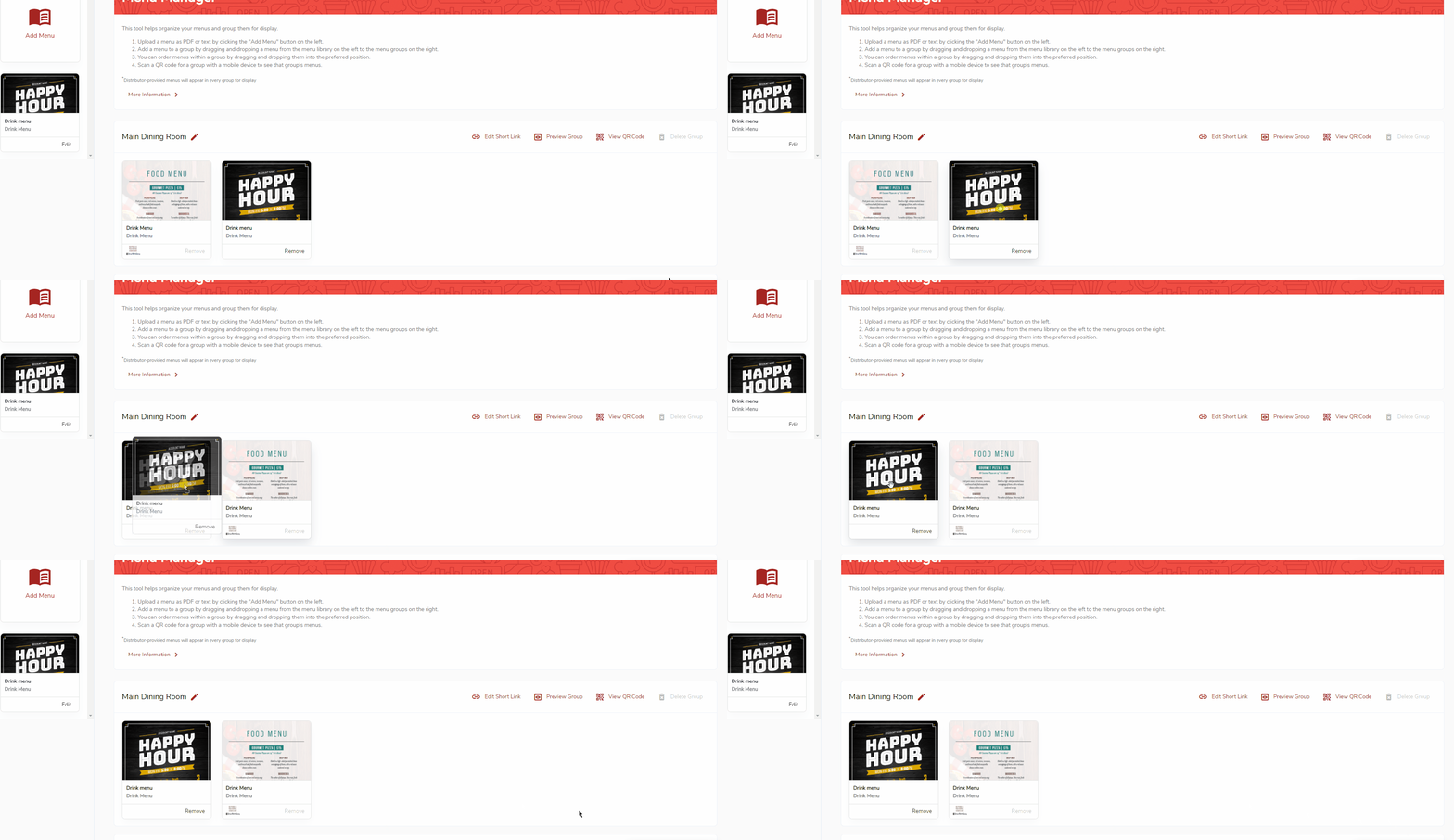
- Use the "Preview Group" button to confirm the display order is correct once complete