- Go to spotmenus.com
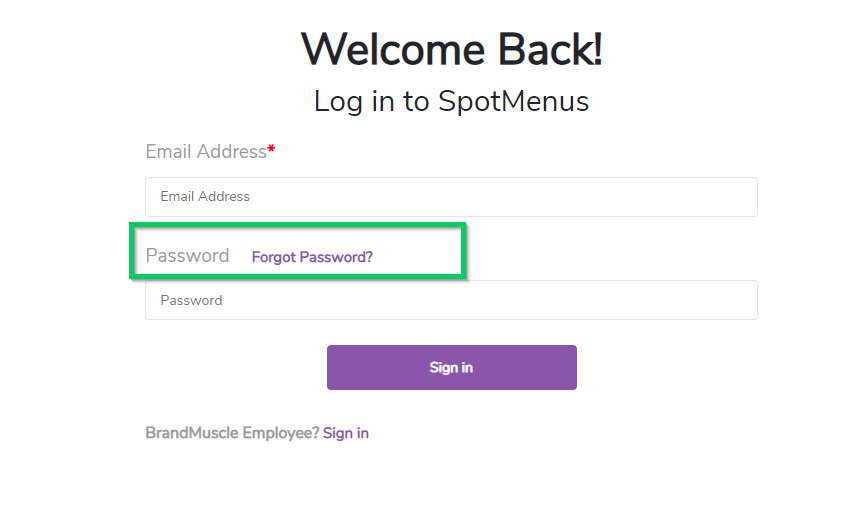
- Click "Login"
- Click "Forgot Password"
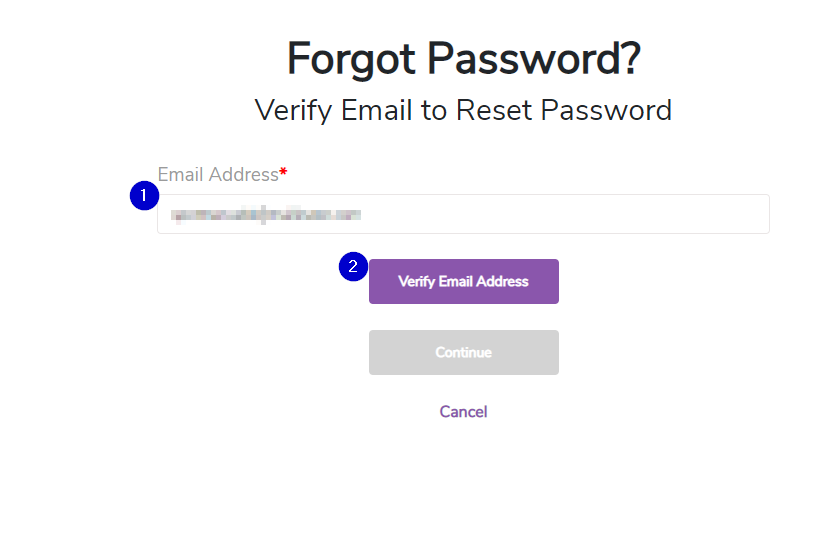
- Enter your email address and click "Verify Email Address"
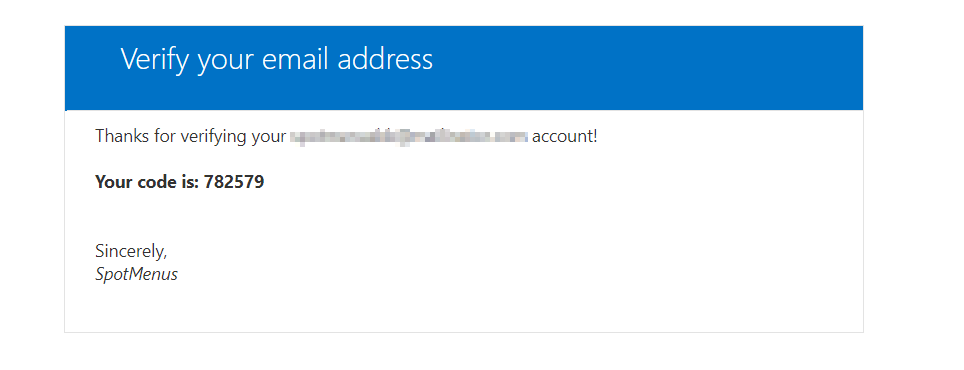
- You will receive an email with a verification code from
- Microsoft on behalf of SpotMenus msonlineservicesteam@microsoftonline.com
- Enter your verification code and click "Verify Code"
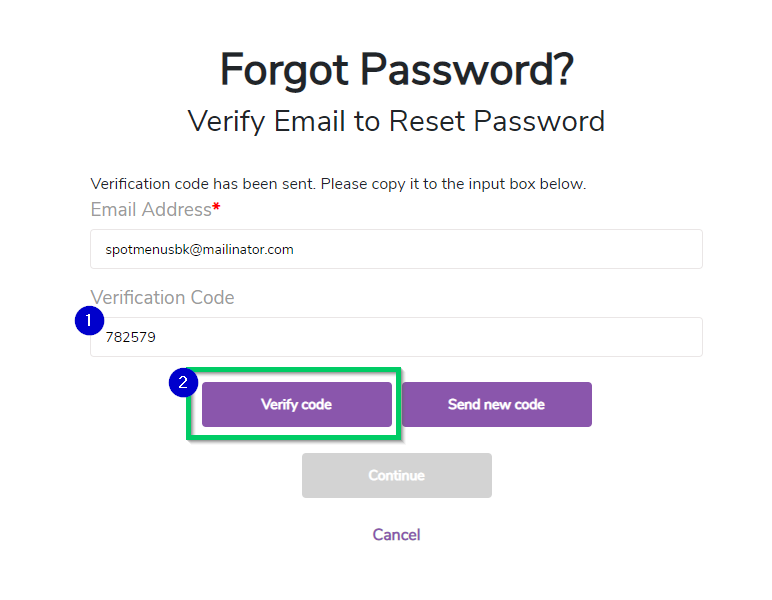
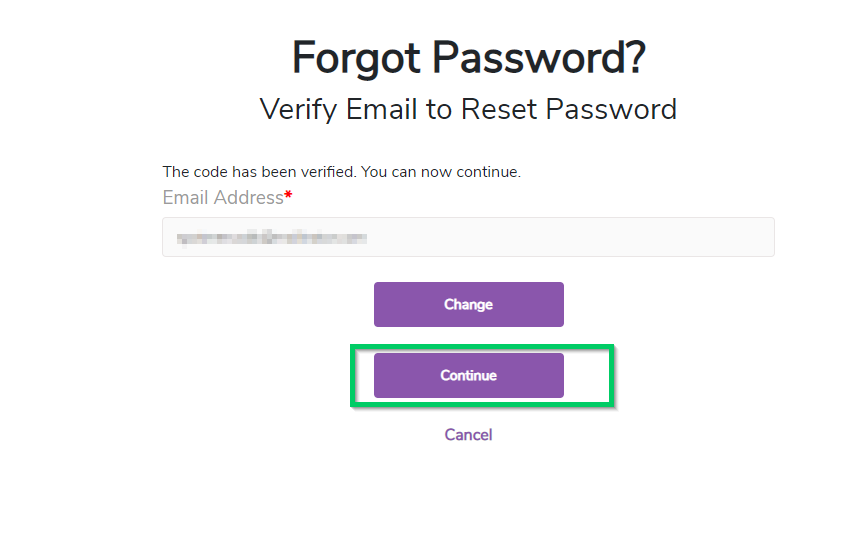
- Click "Continue" after you've verified the login code.
- Enter your new password in the "New Password" field
- Enter you new password in the "Confirm New Password" field
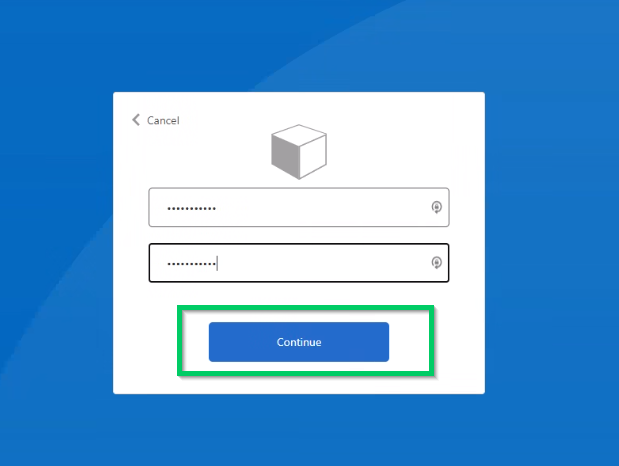
- Click "Continue"